


Willkommen bei der Kubota Brabender Technologie!
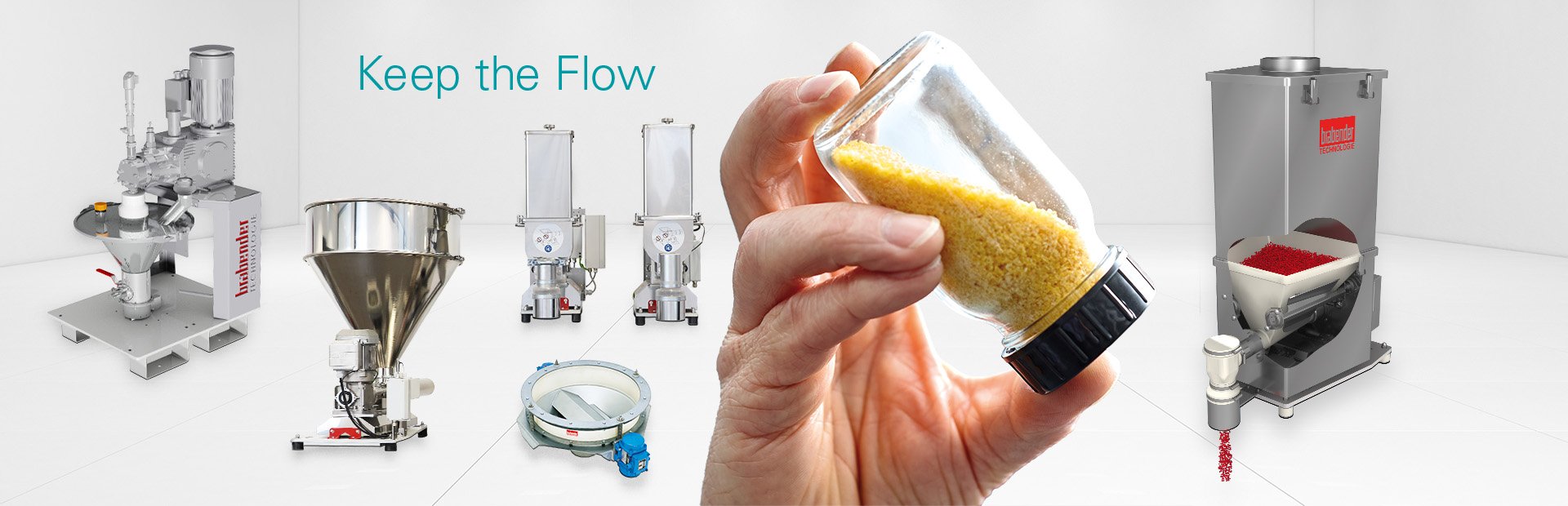
Kubota Brabender Technologie steht für weltweit führende Kompetenz in der Herstellung von gravimetrischen und volumetrischen Dosiergeräten und Austragsvorrichtungen. Unsere Produkte zum Dosieren, Wägen, Austragen und für die Durchflussmessung von Schüttgütern und Flüssigkeiten werden von Kunden aus vielen unterschiedlichen Industrien für Chargen- und kontinuierliche Verfahren eingesetzt.
Materialkompetenz
Geht nicht? Gibt's nicht! Zumindest in den meisten Fällen. Sprechen Sie uns an: info@kubota-bt.com

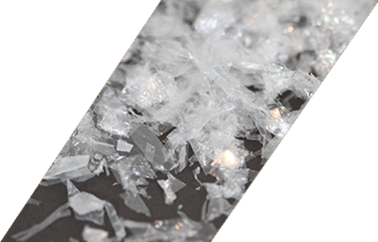

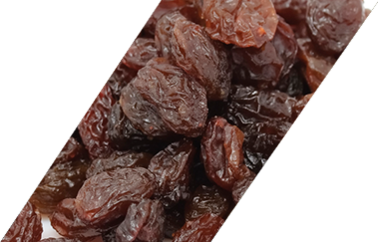
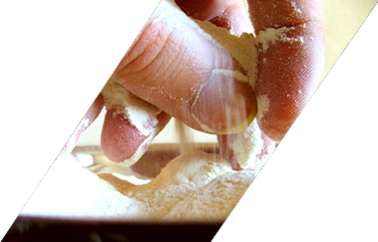




Unsere Specials
Entdecken Sie die besonderen Leistungen der Kubota Brabender Technologie!
CLIENT PLUS
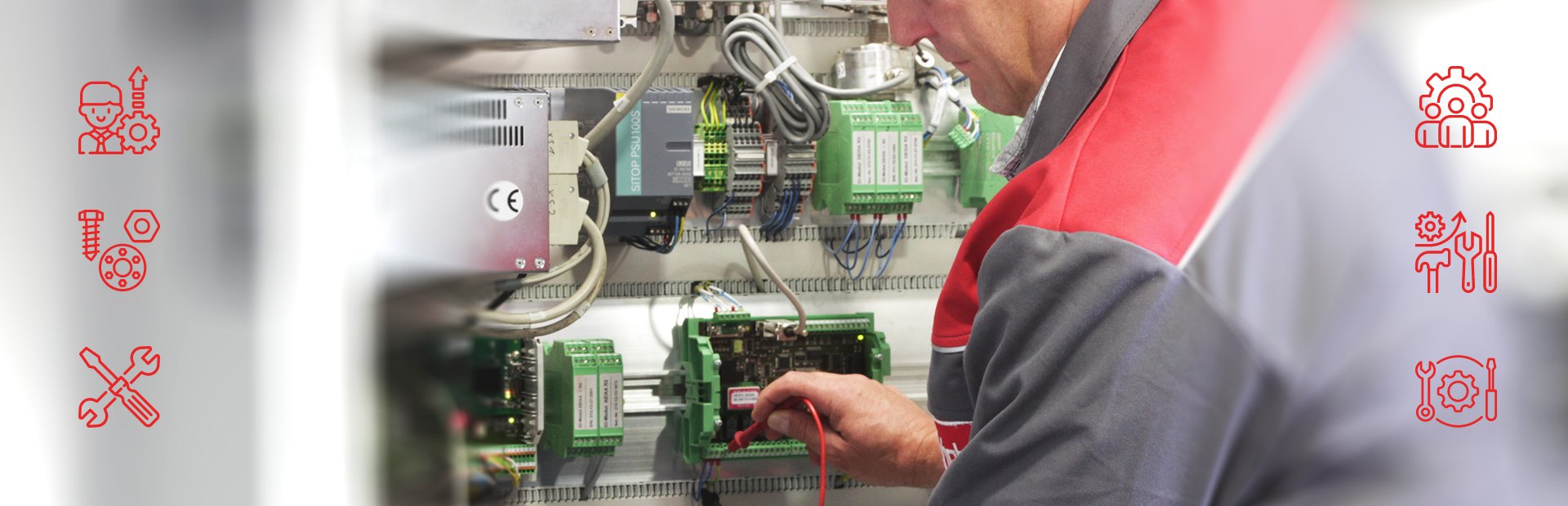
Client Plus bietet spezielle Lösungen mit unserer gebündelten Kompetenz für Engineering, Schulung, Wartungsverträge, Technikum und Hotline. Erfahren Sie mehr.
SERVICE
Profitieren Sie von unserem exzellenten Service, darunter Vor-Ort-Service, Ersatzteile und Wartung, Reparatur und Tausch sowie Umrüstung. Erfahren Sie mehr.
TECHNIKUM
Nutzen Sie unser Angebot: Wir testen vor Ort für Sie Ihre Dosier- und/oder Auftragsanforderung mit Ihrem Original-Schüttgut. Erfahren Sie mehr.
Branchenkompetenz
Sie suchen einen kompetenten Experten für die Anforderungen Ihrer Branche? – Sie haben ihn gefunden.

FOOD
Sensible Prozesse verlässlich gestalten – mit unseren speziellen Lösungen im Hygienic Design. Erfahren Sie mehr.

PHARMA
Herausfordernde Pharma-Anforderungen sicher meistern – mit unseren flexiblen Dosiermöglichkeiten. Erfahren Sie mehr.

PLASTICS
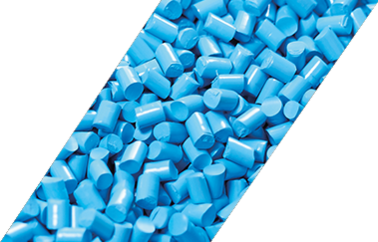
Anspruchsvolle Kunststoffe routiniert verarbeiten – mit unseren leistungsfähigen Dosierern. Erfahren Sie mehr.

CHEMIE
Vielfältige Dosieranforderungen für Schüttgüter und Flüssigkeiten branchenindividuell lösen – mit unserer gebündelten Entwicklungskompetenz. Erfahren Sie mehr.
Interessiert?
Kontaktieren Sie uns und wir helfen Ihnen umgehend weiter!

Unser Kundenmagazin FLUX
Fordern Sie hier die
aktuellen Ausgaben an.
Innovationen, Entwicklungen,
Case-Studies und vieles mehr.